Send documents via email
See how to send documents from Xena via email, and how the sender address works.
Send documents via email
From most document views in Xena — e.g. quotes, invoices, and vouchers — you can send the document directly via email without first having to download and attach it manually. The function is typically found in the menu (the three dots) on the document.
💡 The subject field is automatically filled with the document's description. If the document has no description, the file name is used instead. You can always edit the subject field yourself before sending.
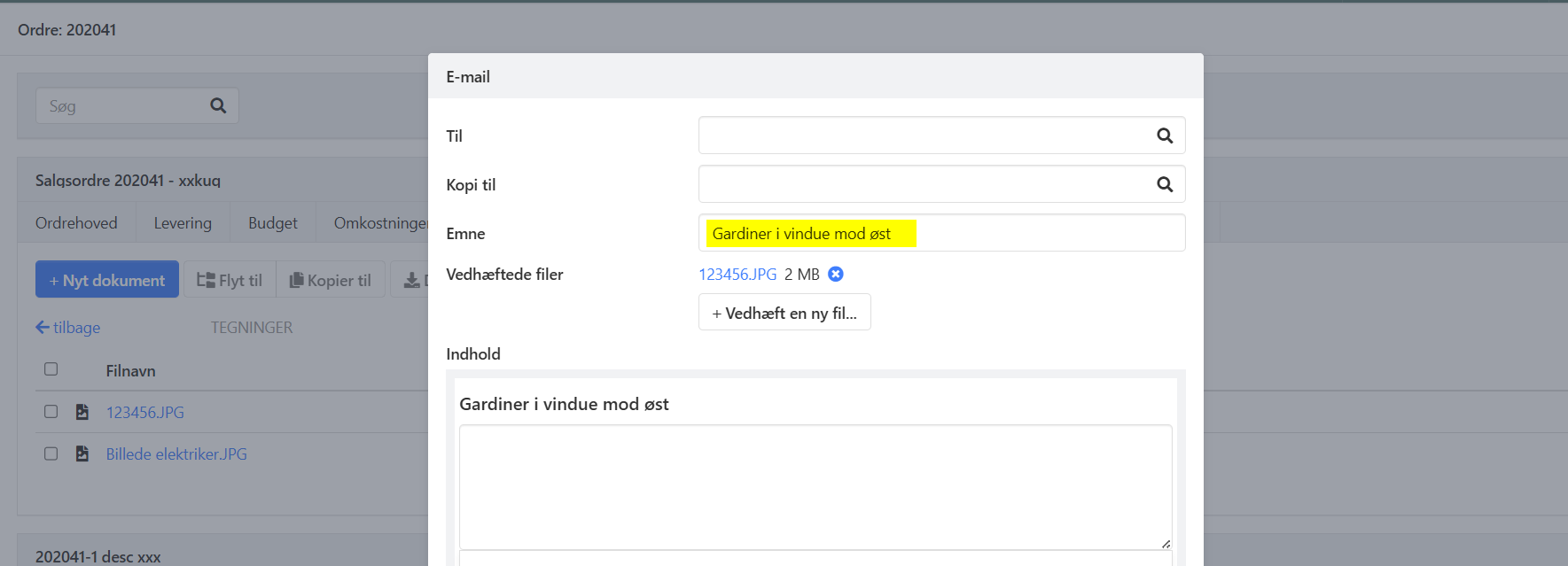
When the email is sent to an email address that is already registered on a partner in Xena, a log is automatically created on the associated partner. This way, you can always see which emails have been sent to and from a given customer or supplier.
➡️ Read more: Log and emails on the partner
Sender address on emails from Xena
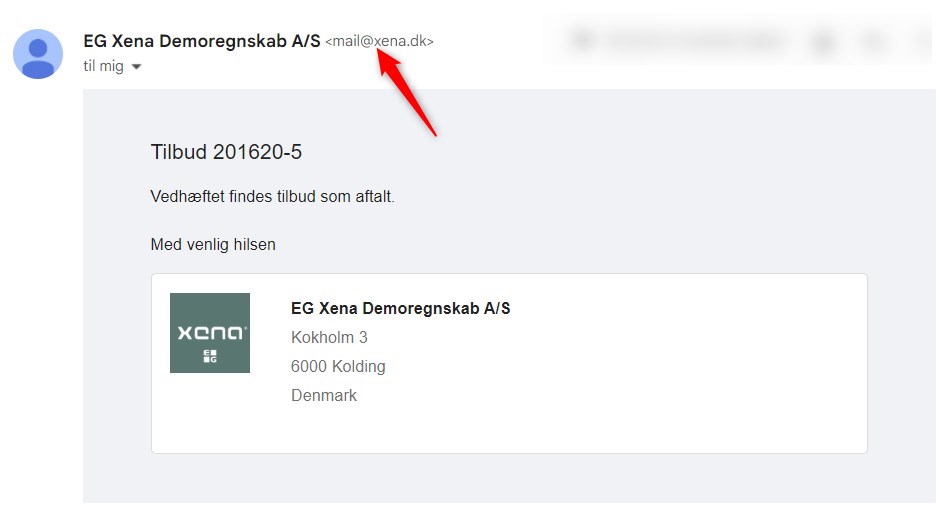
All emails you send via Xena are sent from the email address mail@xena.dk. Your company name will appear as the sender's name, and your recipients will still be able to reply to emails from you. The difference lies in the email address shown as the sender.
Although mail@xena.dk is shown as the sender address, it is your own email address that is set up as the reply-to address. This means that if the customer replies to the email, the reply is sent directly to your email address — not to Xena.
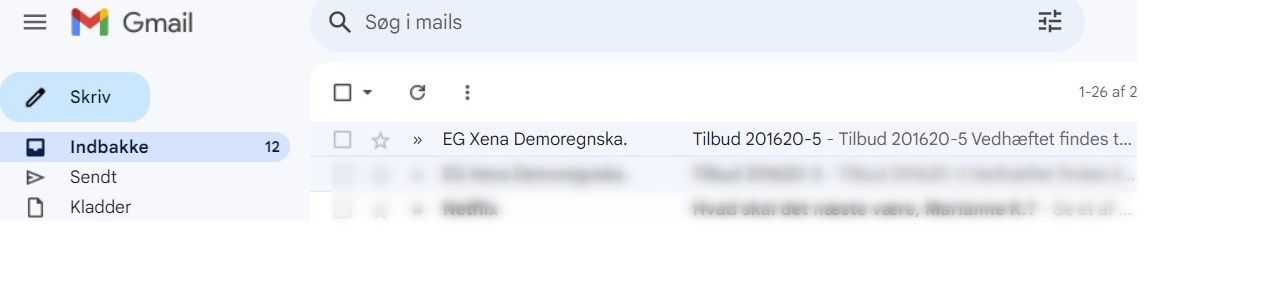
Here is an example of how a quote sent from Xena is displayed. In this example, my company name is EG Xena Demoregnskab A/S:
However, when I open the email, I can see that the sender's email address is mail@xena.dk:
If you want to change the sender's email address generally for all users in your company, this can be done by configuring the SMTP settings. Be aware that this may require assistance from your email provider or IT administrator.
➡️ Read more: SMTP settings
- Updated